
How Does a Video Intercom System Work? A Plain Guide

You thumb a button at a locked entrance, a screen flickers to life in an apartment upstairs, a face appears, and a moment later the door clicks open. It feels like nothing — but a small relay of well-drilled parts is doing the work behind that click. If you have ever stopped to wonder how does a video intercom system work, this guide rides a single buzz from the sidewalk to the latch, in plain words and with no sales gloss.
We wire these systems across New York week in and week out, so the walkthrough below tracks how real gear behaves at a real entrance, not how a tidy diagram says it should.
The short of it: a video intercom ties a camera-equipped door station out front to an indoor monitor or a phone inside. When a visitor rings, the resident sees and hears them live, and a single tap sends the signal that frees the door lock for a handful of seconds.
How does a video intercom system actually work?
 Strip it to the studs and the system has exactly three jobs: let a visitor signal one specific home, carry live picture and sound to whoever lives there, and let that person release the door from inside. Every feature ever bolted on is a refinement of those three.
The “video” is what divorces it from the old buzzer. Rather than gambling on a disembodied voice claiming to be a neighbor, the resident gets a live image — part convenience, and a real security upgrade for deliveries and callers nobody is expecting.
It helps to think of the system as a very short, very fast phone call that ends in a door opening. The visitor places it, the resident takes it, and instead of hanging up they either buzz the caller in or send them on their way. Hold that picture and every component below slots neatly into the call.
The panel out front: the door station
The unit bolted by the entrance is the door station, and it is the hardest-working piece in the whole chain, engineered to shrug off years of weather.
- The lens: A wide camera, often around 2 MP, frames the visitor and the patch of ground around the door, with enough low-light reach for a dim entry.
- The voice: A microphone and speaker carry the conversation both ways, so resident and visitor can genuinely talk.
- The call: One button, a bank of them, or a directory screen lets the visitor pick the unit they want.
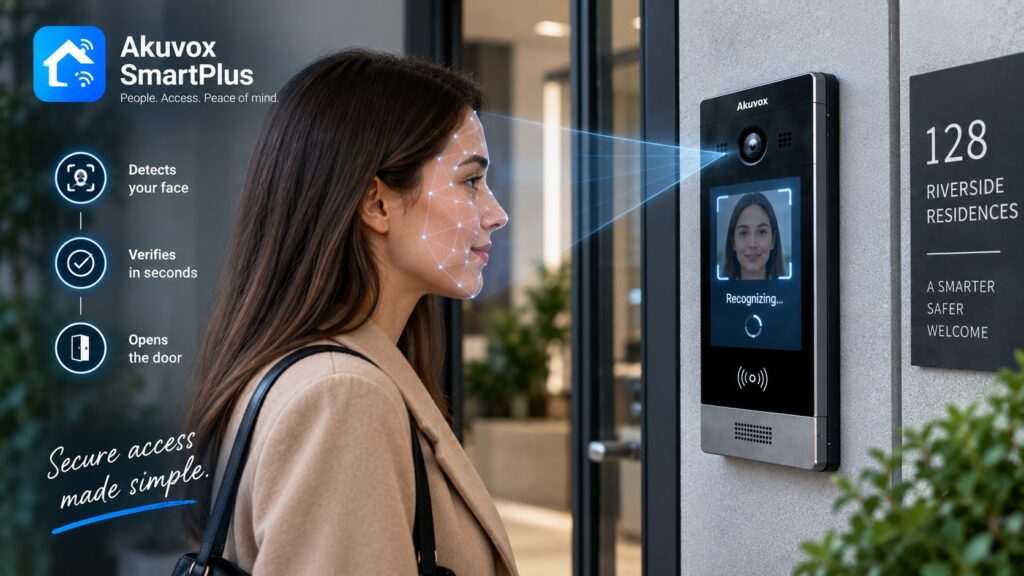
- The way in: Many panels fold in a keypad, card reader, or face panel so residents let themselves in without ringing anyone.
The screen inside: the indoor monitor
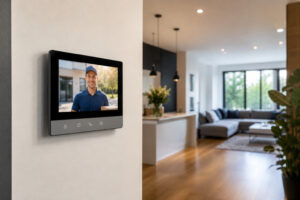 Up in the apartment, the classic answering device is the indoor monitor — a wall-mounted screen, often 7 to 10 inches, that shows the caller and hands the resident the controls to respond.
When the buzz lands, the monitor chimes, throws up the live feed from the door camera, and offers buttons to talk and to unlock. It is the simplest experience for anyone who wants a fixed, familiar device rather than fishing out a phone, which is why so many buildings still mount a screen in every unit. Press unlock and the door downstairs releases; that is the entire interaction from the resident’s chair.
The other way to answer: the app
Modern systems add a second route to the door — a smartphone app. With a cloud-connected intercom, the call can ring a resident’s phone instead of, or alongside, the wall screen.
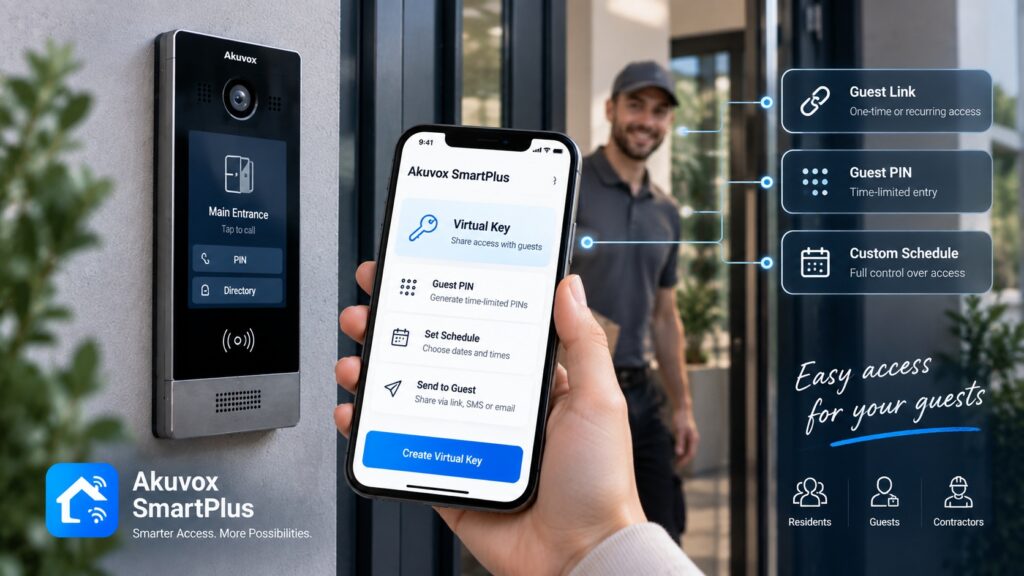
That means a resident can size up the visitor and open the door from the couch or from across town. The app also tends to bring guest tricks a bare wall monitor cannot, like minting a temporary code for a courier. Most buildings need not choose one or the other: offer both an indoor monitor and the app, and the homebodies get a simple wall device while the travelers answer from their phones — a big part of why app-capable systems have become the default in managed buildings.
Following a single buzz
Here is the actual sequence when someone rings, which laces the parts together.
- The visitor rings: They press the button or pick the unit on the door station’s directory.
- The right home rings: The call routes to that resident’s indoor monitor, their phone, or both at once.
- The line opens: The resident sees live video from the door camera and speaks with the visitor over two-way audio and video.
- The resident calls it: They grant entry or wave it off, all without setting foot on the stairs.
Start to finish, the connection usually snaps together in a second or two, which is precisely why residents grumble the moment a cut-rate system lags.
How the door actually lets go
The last beat — releasing the door — is its own little chain worth understanding. When the resident hits unlock, the system tells a lock at the entrance to release.
That lock is typically an electric strike or a magnetic lock, fed by a low-voltage supply in the 12 to 24 volt range. The unlock signal energizes or drops power for about 3 to 5 seconds, freeing the door just long enough for the visitor to step in before it secures again. It is a brief, deliberate window — not an open-ended invitation.
What ties it all together
The parts have to talk to one another, and there are two common ways they do it.
- Wired and 2-wire: Many buildings run the system over dedicated cabling, and modern 2-wire setups can reuse old 2-wire lines, which keeps upgrades cheap.
- IP and network: Higher-end systems ride network cabling for the deepest feature set and the most flexibility.
- Cloud over the top: Give the door station an internet connection and the app and remote unlock light up, layered on top of the local wiring.
Which path a building uses mostly comes down to what wiring already exists. An older building with a sound 2-wire run can reuse it and skip a costly rewire, while new construction has the freedom to pull network cable. Either way, the resident’s experience at the door looks the same; the difference lives in the walls.
Why the camera earns its place
It is fair to ask whether the lens is worth the extra cost, and for most buildings it plainly is. A plain audio buzzer tells a resident only that someone is downstairs; it cannot tell them who. Video closes that gap.
- Verify, then open: Seeing the visitor turns a blind guess into a confident call, which matters for deliveries and strangers alike.
- Deter and document: A camera at the door cools casual mischief and leaves a visual record of who came and went.
- The new baseline: Residents increasingly expect to see callers, so video has slid from luxury to standard.
The components, all at once
Put plainly, a complete video intercom is four building blocks pulling as one.
- The door station: Camera, microphone, speaker, and call control out front.
- The answering device: An indoor monitor, a phone app, or both inside.
- The lock hardware: The electric strike or magnetic lock that physically frees the door.
- The wiring and power: The cabling and low-voltage supply that connect and run the lot.
None of these parts is exotic, but they have to be matched and installed to work as a unit — the difference between a system residents forget about and one they complain about weekly.
Frequently asked questions
So how does a video intercom system work?
A camera-equipped door station rings a resident’s indoor monitor or phone, carries live two-way audio and video, and lets them free the door lock with a single tap.
What are the main parts?
A door station out front, an indoor monitor or phone app inside, a lock at the door, and the wiring and power that connect them.
Can it work on my phone?
Yes — a cloud-connected system rings a smartphone app, so residents see the visitor and open up from anywhere, often alongside a wall monitor.
What kind of lock does it drive?
Usually an electric strike or magnetic lock on a low-voltage supply, released for a few seconds when the resident grants entry.
Does it need internet?
The video door entry itself runs on local wiring, but the app and remote unlock need an internet connection at the door station.
Curious how a video intercom would fit your building? Learn about our intercom system service, see a door station like the R29, browse the full catalog, or ask us a question.
Related Articles