
How Does Access Control Work? A Complete Guide

Picture a 1925 walk-up in Sheepshead Bay where the super has just learned that a tenant who moved out in March never handed back a key. On a brass-key building, that single fact triggers a locksmith visit, new cylinders on the lobby door, and freshly cut keys for every household — a lost afternoon and a real invoice. The entire reason access control exists is to make that scenario quietly disappear, and once you see how does access control work under the hood, you understand why so many New York buildings have switched.
We spend our weeks specifying and wiring these systems across the 5 boroughs, so what follows is deliberately practical: enough mechanism to make sharp decisions, with the marketing stripped out.
Here is the whole thing in one breath. You present something — a card, a code, a phone, your face — to a panel beside the door. That panel hands your identity to a small computer, which checks it against a rulebook. If the rulebook says yes for this door at this minute, a signal frees the lock for a few seconds and you walk in. Every detail below is an elaboration on those four moves.
How does access control work, in plain terms?
 Forget the hardware for a second and think about the job, because access control basics are really a management problem dressed up as a technical one. The question a building keeps asking, hundreds of times a day, is narrow: is this specific person allowed through this specific door right now?
A key and a lock answer that question crudely and permanently. Whoever holds a copy is in, forever, and nobody can tell you afterward who came through. Electronic access control swaps that blunt instrument for something closer to a guest list with a memory. A tenant might be cleared for the front door and the laundry room at any hour, a weekly cleaner only on Tuesday mornings, and the tenant who moved out reduced to no access at all the moment their lease ends — with each passage written down. Control, granularity, and a record: strip away every brand and feature and that trio is the entire point.
It is worth sitting with that reframing, because it changes how you shop. The flashiest panel in the world is worthless if the rulebook behind it is clumsy to edit, and a plain card reader is golden if it lets a super cut off a departed tenant before lunch. The hardware is the body; the management of who-can-go-where is the brain, and the brain is what you actually live with.
The parts, and what each one is for
Rather than dump a parts list on you, it helps to meet the pieces by the job they do, because once their roles click the rest is easy.
- The thing you carry: A credential is your proof of identity at the door — a fob in a pocket, a code in your head, a phone in your hand, or your own face.
- The part on the wall: The reader is the device mounted by the door that wakes up when you present that proof, whether by tap, by typed code, by phone, or by camera.
- The decision-maker: The controller is the quiet box, often tucked out of sight, that holds the rulebook and renders the yes-or-no verdict.
- The muscle: A lock — usually an electric strike or a magnetic lock — is the hardware that physically holds the door and lets go on command.
Stitching them together is software, the place a manager adds people, writes the rules, and reads the history. Hold those five roles in mind and nothing in access control stays mysterious.
One unlock, start to finish
The cleanest way to really grasp the system is to ride along on a single entry, because the whole loop closes in well under a second.
- You offer your proof: A tap of a fob, a few digits on a keypad, a phone held near the panel, or simply your face in front of the camera.
- The wall device relays it: The reader captures whatever you presented and passes it inward, making no judgment of its own.
- The box consults the rulebook: The controller asks whether this identity is cleared for this door at this moment.
- The verdict lands: A yes sends current to the lock and the door releases; a no leaves it shut.
- The moment is recorded: Either way, the attempt is logged, so the building keeps an honest account of comings and goings.
That loop runs at every controlled opening, every time, which is exactly what lets a building be both locked down and easy to live in.
What residents actually carry
The credential is the part people touch, and the menu of options trades convenience against security and price in ways worth weighing.
- Cards and fobs: The familiar default, cheap at a few dollars apiece, trivial to hand out and just as trivial to switch off.
- Keypad codes: Nothing to carry at all, though a code can be shouted across a lobby or shoulder-surfed, so it suits lower-stakes doors.
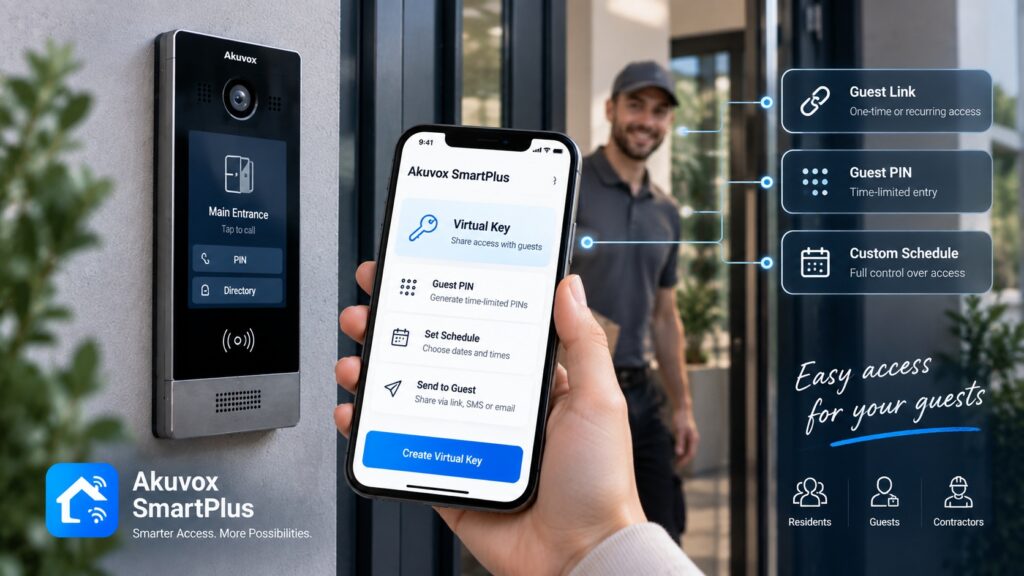
- Phones: A resident’s handset becomes the key over Bluetooth, awkward to clone and easy to send to someone remotely.
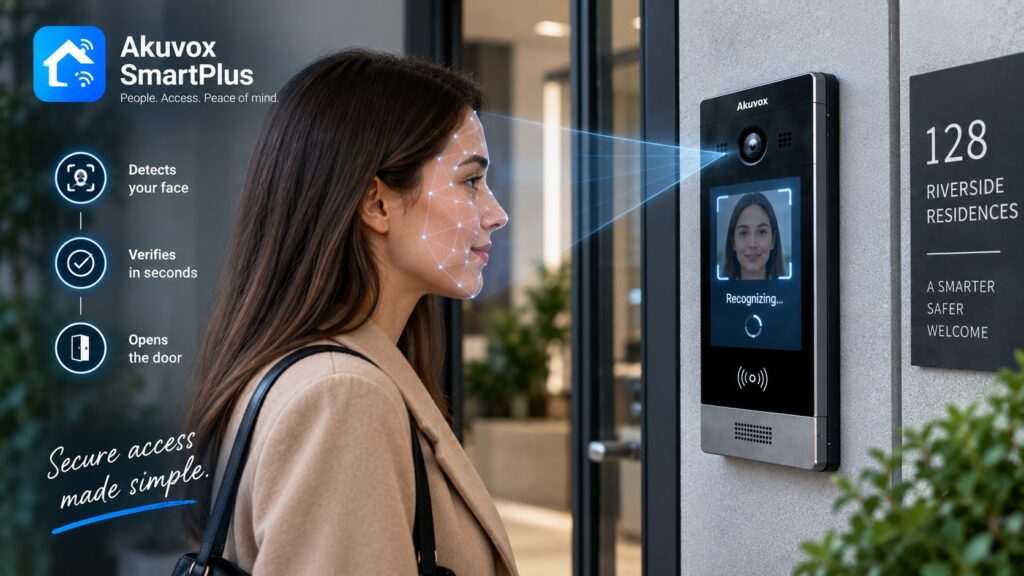
- Faces: A glance opens the door in roughly 1 second, the most frictionless option going, with privacy questions attached that deserve real thought.
Because this single choice colors the whole experience, we treat it at length in our guide to access control credentials; in practice the better systems blend 2 or 3 of these rather than betting on one.
A closer look at the reader
The reader is the system’s public face, the one component residents notice, and its breed follows whatever credential you picked.
Tap a card and a card reader senses it; punch a code and a keypad takes it; raise a phone and a Bluetooth reader answers; step up to a face panel and it recognizes a registered tenant. Plenty of modern readers are bilingual, accepting more than one kind of proof at the same opening, which lets a building hand longtime tenants a fob while newer ones use the app, all on one device. Crucially, the reader never decides anything — it grabs your credential and forwards it, nothing more.
A closer look at the controller
 If the reader is the face, the controller is the judgment, and it is where the actual security lives.
This box keeps, or can reach, the master list of who belongs at which doors and when, and when a credential arrives it issues the verdict and drives the lock to match. Keeping that decision inside a protected controller rather than out on the reader matters more than it sounds: even if someone pried at the panel on the wall, the rules and the release command sit somewhere they cannot touch. In bigger buildings, controllers also herd many doors at once and feed the central software a manager actually opens.
This is also where reliability gets engineered rather than promised. A well-built system makes sure a door still behaves sanely if a controller loses its link upstream, so a flaky network never strands a tenant in the vestibule. How a controller handles those off-nominal moments is one of the quiet tells that separates a professional install from a bargain-bin one.
The locks: strike versus maglock
The piece that physically grips the door and lets go is the lock, and two designs cover the overwhelming majority of installations.
- Electric strike: It takes the place of the fixed plate in the frame and kicks the latch free when the controller energizes it — versatile and common.
- Magnetic lock: An electromagnet clamps the door shut, frequently with around 600 pounds of holding force, and releases the instant power is cut.
- Power and exits: Both sip low-voltage power, generally 12 to 24 volts, and the pick shapes how the door behaves in an outage, which ties straight into safe egress.
Where the rules live: cloud, local, or alone
One of the bigger forks in the road is where management actually runs, and there are three broad answers.
- In the cloud: Administration sits online, so a manager edits tenants, rewrites rules, and pulls logs from a browser anywhere — ideal for portfolios.
- On local servers: The software lives in the building on hardware the owner runs, keeping everything in-house for those who prefer that grip.
- Standing alone: A lone door or tiny site is programmed right at the device, with no central software, the leanest option for a narrow need.
For most multi-tenant New York buildings the cloud wins on sheer convenience, because turnover and access changes shrink from a scheduled visit to a few taps.
Why bother, versus a good old key
It is worth being blunt about what you gain over a brass key, because the wins are concrete rather than vague.
- No locksmith after a loss: A missing fob is killed in seconds, where a lost key can mean recutting the building.
- Rules with edges: Access bends by door, by person, and by hour, which no physical key has ever managed.
- An actual ledger: The system writes down entries, turning “who can get in” from a shrug into a list you can read.
- Painless turnover: Adding or cutting someone is instant, which matters enormously in a building where people move constantly.
Add those up and you see why access control stopped being a luxury in managed buildings and became the baseline. The recutting bill after every lost key, the flat impossibility of time-limited access with brass, the total blank where an entry record should be — they compound. Access control does not merely lock the door; it hands the building genuine command over it, the kind a ring of keys could never promise.
Why it pairs with the intercom
In apartment buildings, access control almost never lives alone; it shares a spine with the front-door intercom. On a platform like Akuvox the two are simply one system.
That means the same setup that rings a tenant’s phone when a visitor calls is also handing out fobs, codes, mobile keys, and face entry at the main door and the amenity rooms, run from a single place. For a manager, that one combined view trims cost and quietly kills the small mistakes that breed when entry and intercom sit in two separate products. A tenant added once carries both their intercom access and their door credentials, and removing them is a single stroke. For a building, that fusion is usually where the day-to-day savings show up.
Speccing a system for your building
A sound design begins with the building in front of you, not the shiniest gadget in the catalog. A handful of questions steer every project.
- Which openings: The front entrance is a given; weigh the garage, the side doors, the package room, and the roof.
- Which proof: Fobs as a dependable backbone, phones for the app-inclined, codes on lower-stakes doors, faces where they truly earn the spot.
- Run from where: Cloud for portfolios and remote hands, local or standalone for tighter, simpler needs.
- Room to grow: A system that welcomes more doors later beats one you have to rip out and restart.
The strongest plans also reckon with who runs the thing day to day. A building with on-site staff can carry a richer setup, while a smaller self-managed one prizes simplicity and one number to call. Designing around the people, not just the doors, is what keeps a system livable years after the installer leaves.
Frequently asked questions
So how does access control actually work?
A reader grabs your credential at the door, a controller checks it against the building’s rules, and if you clear them the controller frees the lock — logging the moment as it does.
What are the moving parts?
Four of them: the credential you carry, the reader on the wall, the controller making the call, and the lock holding the door, all tied together by management software.
Reader or controller — what is the difference?
The reader simply captures your credential at the opening; the controller is the protected box that decides whether to unlock and drives the lock, keeping the brains off the wall.
Is it really better than keys?
For most buildings, clearly: no recutting after a lost credential, rules that bend by door and hour, a readable log of entries, and instant changes when tenants come and go.
Can it run alongside my intercom?
Yes — on platforms like Akuvox the intercom and access ride one system, so residents and doors are managed together instead of in two disconnected apps.
Does it have to be online?
Cloud setups lean on the internet for remote management, while local and standalone systems run perfectly well without it.
A note on faces: face entry relies on biometric data, which is regulated unevenly from place to place. The above is general information, not legal advice, so confirm what applies to your building before you deploy it.
If you are sizing up access control for your building, we can plan and wire the right system end to end. Walk through our access control service, see how it sits beside our intercom systems, browse the catalog, or tell us about your building.
Related Articles