
How to Choose a Multi-Tenant Intercom System

Picking a doorbell for one house is a five-minute errand. Choosing a multi-tenant intercom system for a building packed with residents is a different animal entirely. Now you are buying for dozens of units, a revolving door of move-ins and move-outs, a directory that runs the length of a wall, and a manager who has to keep the whole thing humming. Nail the decision and the intercom vanishes into the background; botch it and it becomes a steady drip of complaints and service calls.
We size and install these across New York buildings of every shape, so this guide zeroes in on what genuinely counts when one intercom has to serve a crowd at once.
The gist: a good multi-tenant system needs a clean way for a visitor to reach the right unit, the headroom to fit your building’s size, app answering for residents, and central management for the property. Get those four right and the rest of the spec sheet sorts itself out.
Choosing a multi-tenant intercom system: where to start
The classic blunder is opening the catalog before opening your eyes to the building. Before a single model gets compared, pin down a few facts that color everything after.
How many units must this serve — today, and after whatever growth is on the horizon? What wiring is already buried in the walls? How hands-on is the management, and do your residents expect to answer from a phone? Those answers thin the field in a hurry, because a 6-unit walk-up in Bay Ridge and a 200-unit elevator building need almost nothing in common. Start there and the hardware all but chooses itself.
Reaching the right resident
 In a building full of units, the make-or-break feature is how a visitor finds and rings the right home. With many doors behind one entrance, a single bell button stops being an option.
Smaller buildings can get by with a panel sporting a labeled button per unit, but as the count climbs a digital resident directory becomes the thing that keeps it sane. A directory panel — often a 10-inch touchscreen — lets a caller scroll or search a name and ring that unit straight away, which keeps a long roster usable and trivial to edit. When someone moves, their name changes in software instead of a maintenance worker relabeling a strip of plastic. Past a handful of units, the directory and clean call routing are simply non-negotiable.
The way names are stored matters as much as the screen itself. A solid directory lets a manager add, rename, or drop a resident in software in moments, so a building with steady turnover never gets stuck peeling labels off a panel. That small bit of housekeeping quietly saves hours across the life of the system, and it spares residents the indignity of a misspelled or outdated buzzer label.
Headroom: building for your size
A multi-tenant system has to wear the building’s scale comfortably, and scalability is where the cheap picks quietly fail. The platform has to carry your unit count, plus whatever you grow into.
- Fit the count: Confirm the system handles your number of units — 12 or 300 — without straining.
- Leave slack: If more units, a second building, or extra doors are plausible, choose a platform that stretches without a teardown.
- More than one door: Bigger buildings often need the front entrance, a garage, and side doors all riding one system.
- Even performance: It should feel as snappy at 200 units as it does at 20.
Answering from a phone
Today’s residents increasingly expect to handle the door from their phones, so a mobile app has slid from a perk to a baseline expectation. It also fixes a real headache unique to multi-tenant life.
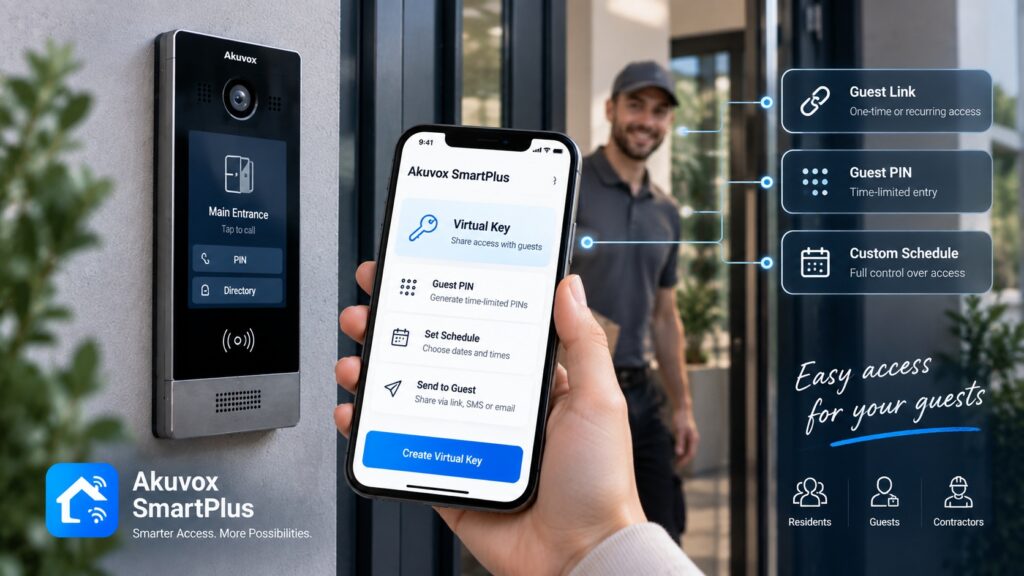
With an app, a resident can see and talk to a visitor and pop the door whether they are home, at the office, or on vacation — which means fewer missed guests and abandoned deliveries. For the building, the app trims dependence on in-unit hardware and hands residents a flexibility no wall-only box can. The strongest platforms ring both an in-unit screen and the app, so residents who like a fixed device keep one. For a building courting today’s renters, app answering is a line worth advertising.
Running it without losing your mind
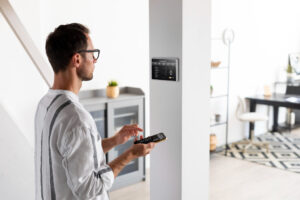 What separates an intercom that is easy to run from one that becomes a second job is cloud management. For a property with constant churn, this is frequently the deciding factor.
Cloud management lets a manager rewrite the directory, add or cut residents, push mobile credentials, and skim entry activity from a browser anywhere. When a tenant clears out, their access dies in seconds rather than waiting on a scheduled visit, and a company minding several buildings runs them all from a single dashboard. In a building that might log dozens of move-ins and move-outs a year, that administrative ease saves real hours and heads off the stale-access messes that haunt manually run systems.
Folding in door access
A multi-tenant intercom rarely earns its keep alone; it works best wedded to resident access control. Choosing a platform that marries the two pays off twice.
When the intercom and the door access share one system, residents get keyless entry by fob, code, or phone at the very doors the intercom serves, all run from one place. A resident added once carries both their intercom and their credentials, and removing them is a single stroke. That fusion trims cost, prunes errors, and hands the building one coherent picture of who may enter — rather than two disconnected products to feed.
The wiring reality
For an existing building, the cable already in your walls shapes both the project and the bill. The good news is that modernizing rarely means a gut rewire.
Plenty of older multi-tenant buildings were strung with plain 2-wire cabling, and modern 2-wire systems can reuse it to deliver video, app access, and directory calling without opening walls. That keeps a building-wide upgrade affordable and pins disruption down to a day or two of work. New construction has the freedom to run IP wiring, but for the typical existing building, a 2-wire retrofit is usually the practical, economical road.
A quick checklist by building size
Here is a rough steer on what to put first, keyed to how many units you serve.
| Building size | What to put first |
|---|---|
| Small (under 12 units) | Button-per-unit panel, video, app access, simple management |
| Medium (12 to 75 units) | Digital directory, mobile app, cloud management, access integration |
| Large (75+ units) | Searchable directory, multi-entrance support, robust cloud, scalability headroom |
Traps worth dodging
A few avoidable missteps surface again and again in multi-tenant projects. Spotting them up front saves money and regret.
- Buying only for today: Picking a system with no slack, then facing a costly teardown when the building grows.
- Forgetting the manager: Choosing hardware without a thought for how the property manager will actually run it.
- Skipping the app: Bolting on a wall-only system when residents fully expect to answer from a phone.
- Cheapest over best-fit: Saving upfront on a system that bills you back in years of service calls.
- Standalone support: Going with an installer who vanishes, when a busy entrance needs someone who picks up.
Frequently asked questions
What actually matters in a multi-tenant intercom?
A clean resident directory and call routing, headroom for your unit count, a mobile app for residents, and cloud management for the property — in that order.
Does a small building need a directory?
Not always; under about 12 units a labeled button per unit does the job, but larger buildings need a searchable digital directory to stay manageable.
Is cloud management worth it here?
Usually, because it lets a manager ride out constant move-ins and move-outs and cut access in seconds from anywhere — something manual systems simply cannot match.
Can a big building upgrade without rewiring?
Often yes, since modern 2-wire systems reuse existing cabling to push video, app access, and directory calling across many units.
Should the intercom carry access control too?
Pairing them on one platform is the ideal, handing residents keyless entry and the manager a single system to run instead of two.
Planning an intercom for a multi-unit building? We size it and install it to fit. Learn about systems for apartment buildings, see a directory panel like the S539 or the face-panel X915, or tell us about your building.
Related Articles